Math Sticks - Puzzle Game1.0.7
Publisher Description
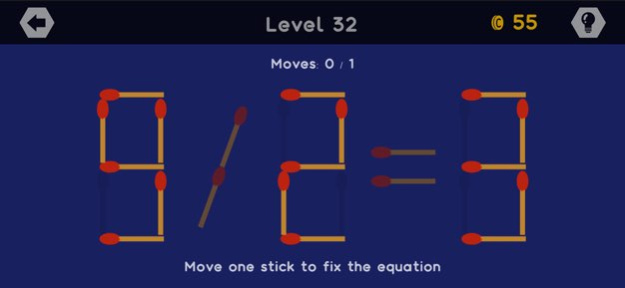
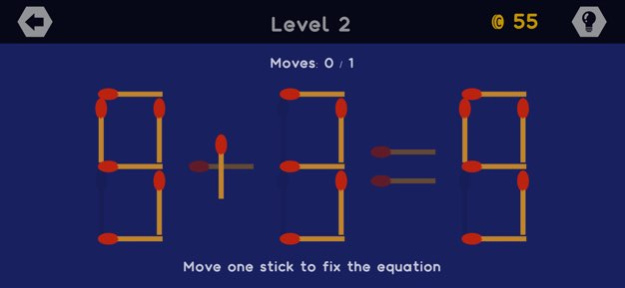
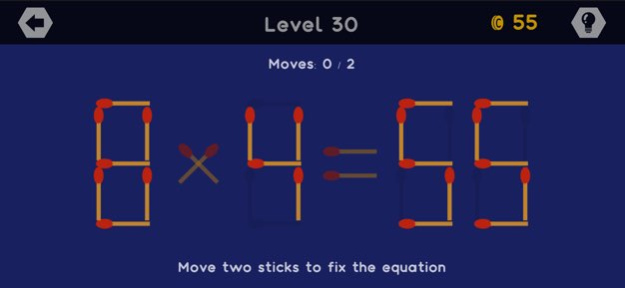
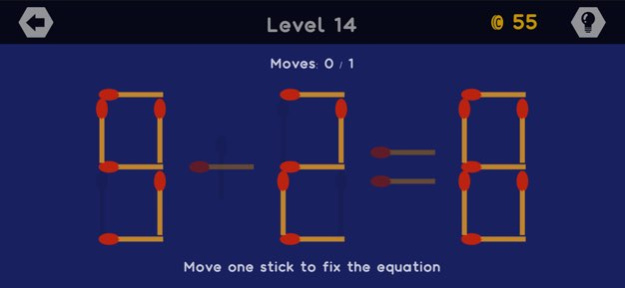
Fun way to play with matchsticks.
Have you ever been challenged by your friend to solve a riddle?
Your friend put some matchsticks on the table and start arranging the matchsticks to form some numbers.
And finally those matchsticks form a mathematical equation.
But the mathematical equation is not correct, and your friend challenge you to fix the equation by moving just one or two of the matchsticks.
You think and try some moves, and then you figure out the solution.
Now you can play MATH STICKS and solve hundreds of math puzzles with matchsticks.
Train your mental calculation in a fun way.
Challenge yourself and your friends to fix the mathematical equations.
Drag and move the matchsticks and find the solution for each equation.
Figure out what numbers can be formed by the provided matchsticks.
Experience various levels of difficulties.
Solve the riddles with various mathematical operations.
* 4 available mathematical operations: Addition, Subtraction, Multiplication, Division
* 500 levels available at the moment
* Use hint by spending some coins if you are stuck
* Claim free coins every day to help you solve the riddles
Version History Minor improvements 1.0.7 11/11/2025 Minor bugs fixed. 1.0.5 07/14/2025 1.0 02/02/2019
About Math Sticks - Puzzle Game
The company that develops Math Sticks - Puzzle Game is Harry Tahir. The latest version released by its developer is 1.0.7.
To install Math Sticks - Puzzle Game on your iOS device, just click the green Continue To App button above to start the installation process. The app is listed on our website since 2026-10-08 and was downloaded 0 times. We have already checked if the download link is safe, however for your own protection we recommend that you scan the downloaded app with your antivirus. Your antivirus may detect the Math Sticks - Puzzle Game as malware if the download link is broken.
How to install Math Sticks - Puzzle Game on your iOS device:
- Click on the Continue To App button on our website. This will redirect you to the App Store.
- Once the Math Sticks - Puzzle Game is shown in the iTunes listing of your iOS device, you can start its download and installation. Tap on the GET button to the right of the app to start downloading it.
- If you are not logged-in the iOS appstore app, you'll be prompted for your your Apple ID and/or password.
- After Math Sticks - Puzzle Game is downloaded, you'll see an INSTALL button to the right. Tap on it to start the actual installation of the iOS app.
- Once installation is finished you can tap on the OPEN button to start it. Its icon will also be added to your device home screen.
Program Details
System requirements
Download information
Pricing
Version History
version 1.0.7
posted on 2026-10-08
Version History Minor improvements 1.0.7 11/11/2025 Minor bugs fixed. 1.0.5 07/14/2025 1.0 02/02/2019
version 1.0.7
posted on 2025-11-11
Minor improvements
version 1.0.5
posted on 2025-07-14
Jul 14, 2025
Version 1.0.5
Minor bugs fixed.
